
The Day I Gave Up on Drawing
How an AI character tool helped me stop killing my ideas
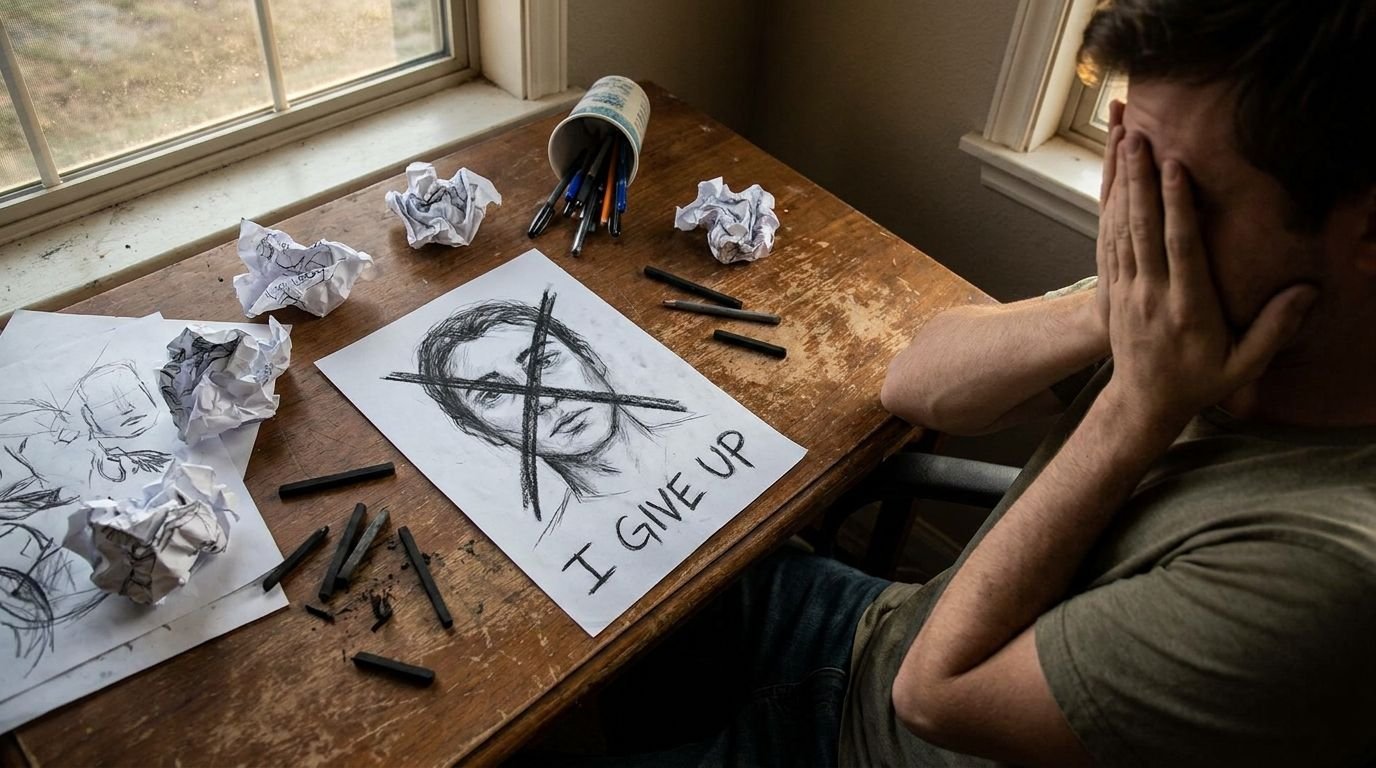
Last March, I sat at my kitchen table with a half-finished sketch of a character I’d been carrying around in my head for weeks. She had sharp cheekbones, messy silver hair that caught the light just so, and this quiet, watchful expression that I could never quite nail.
The pencil felt heavy. I erased the eyes for the fourth time, smudged graphite across the page, and finally just closed the sketchbook.
“Maybe tomorrow,” I told myself.
Tomorrow never came.
That moment stuck with me
Not because I’m some tortured artist, but because creating characters had always been the one place I felt completely free. Until the tools got in the way.
I didn’t know it then, but a few weeks later I’d stumble on CharaLab and everything would shift.
What actually happened when I tried it
I wasn’t looking for another AI tool. I’d burned out on a dozen of them already — the ones that demanded accounts, the ones that watered down every prompt into generic sludge.
One slow Sunday afternoon I typed “CharaLab” into the search bar on a whim. No login page. No email nag. Just the interface, clean and quiet.
I typed a messy description of that same silver-haired character from my failed sketch. Hit generate.
It wasn’t perfect on the first try. But it was her. The posture, the way the hair fell, even that guarded look in the eyes. I felt this small jolt of recognition.
How the character generator actually works
You have two main paths: text prompt or reference photo. Both feel straightforward.
With text, you describe what you want and pick from over twenty artistic styles. It handles complex details better than I expected: clothing folds, specific lighting, subtle expressions.
The image-to-character part is where it gets interesting. Upload a photo and it can pull features while still letting you steer the rest with text.
And yes — it does short video clips too. Enough to see your characters come alive in motion.
The part nobody talks about
Most AI character tools feel like they’re trying to replace the artist in you. CharaLab feels more like a sketchbook that can keep up with your brain.
I still can’t draw worth a damn on paper. But now I can externalize the images in my head quickly enough that the ideas don’t die on the vine.
The tradeoff I keep thinking about
Using CharaLab means I’m not learning to draw better. There’s a muscle memory and discipline that comes from traditional skills that no AI will replicate.
But then I remember that sketchbook I closed last March. The ideas that died because the execution was too hard.
For me, right now, being able to bring characters into the world at all is worth more than the slow path of mastery I probably won’t walk anyway.
Why this one feels different
Nobody says this about traditional art supplies: “Why do you need colored pencils when you could just imagine it?” But people say versions of that about AI tools all the time.
The difference is agency. CharaLab gives you collaboration without taking over. You still direct. You still decide what feels right.
Have you ever given up on a creative habit because the tools got in the way?
Share your story in the comments.

Discover Digital Sketching Tablets: Why Every Artist Needs One in 2026
From beginners to professionals, the right tablet can transform your creative process. Here’s everything you need to know.
The Digital Revolution in Sketching
In 2026, drawing on paper is still magical — but digital sketching tablets have become the essential tool for most working artists, illustrators, and concept designers. They offer undo buttons, infinite layers, pressure sensitivity, and the ability to instantly share your work with the world.
Top Digital Sketching Tablets in 2026
Wacom Intuos Pro
$379
- ✓ Best pressure sensitivity
- ✓ Excellent build quality
- ✓ Great for professionals
XP-Pen Artist Pro 16
$299
- ✓ Best value for money
- ✓ Large drawing area
- ✓ Built-in screen
Why Go Digital?
- Unlimited creativity — No more running out of paper or expensive supplies.
- Professional workflow — Easy integration with Photoshop, Clip Studio Paint, and Procreate.
- Learning curve advantage — Instant feedback and undo make practice less frustrating.
Beginner vs Professional Tablets
If you’re just starting out, a simple tablet like the Wacom Intuos or Huion Inspiroy is perfect. If you’re serious about illustration or concept art, invest in a model with a built-in screen so you can draw directly on the display.
“The best tablet is the one you’ll actually use every day. Don’t overthink it — start with something in your budget and upgrade when you’re ready.”
Final Thoughts
Digital sketching tablets have democratized art in ways we couldn’t have imagined a decade ago. Whether you’re a hobbyist, student, or working professional, the right tablet can unlock your creativity and help you bring ideas to life faster than ever before.
Ready to take the leap? Start with one of the options above and experiment. Your next great character, illustration, or comic panel is waiting.